 Oct 26, 2026, 6:07 PM
It was just a signal integrity issue after all :neofox_facepalm:
My level shifters are apparently so bad that even at 1 kHz clock speed they cause ringing and thus double clock pulses lol
Oct 26, 2026, 6:07 PMIt was just a signal integrity issue after all :neofox_facepalm:
My level shifters are apparently so bad that even at 1 kHz clock speed they cause ringing and thus double clock pulses lol
Oct 29, 2026, 5:45 PMI swapped the controller in my other SaF display with one from the ones I collected from the train line. I could never get the original controller to talk to me, but the swapped controller works :3
It auto-senses the display size too, and with a DIP switch I was able to change the logical display layout from "front and back side are logically next to each other" to "front and back side are logically above each other" :D
Oct 29, 2026, 7:04 PMLiterally installing a new font :3
It's so cute, one EEPROM per font :D
Oct 31, 2026, 3:51 PMI reverse enginenered the font EEPROM format! To make it easier, I replaced any bytes whose function wasn't obvious with 0x00 until something stopped working. I was able to do this to most bytes! So now I can just take any font and render it into an EEPROM image for the display.
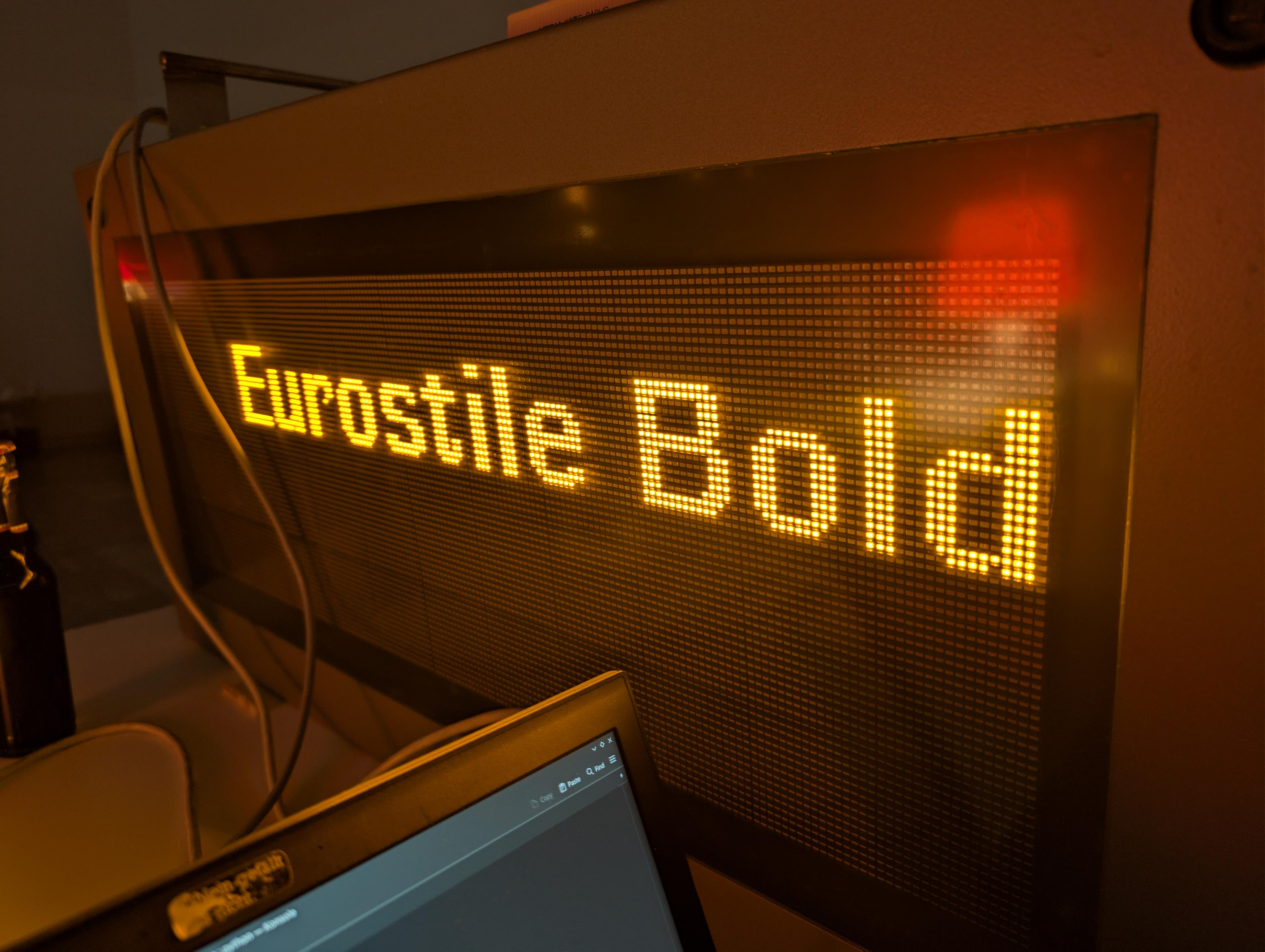
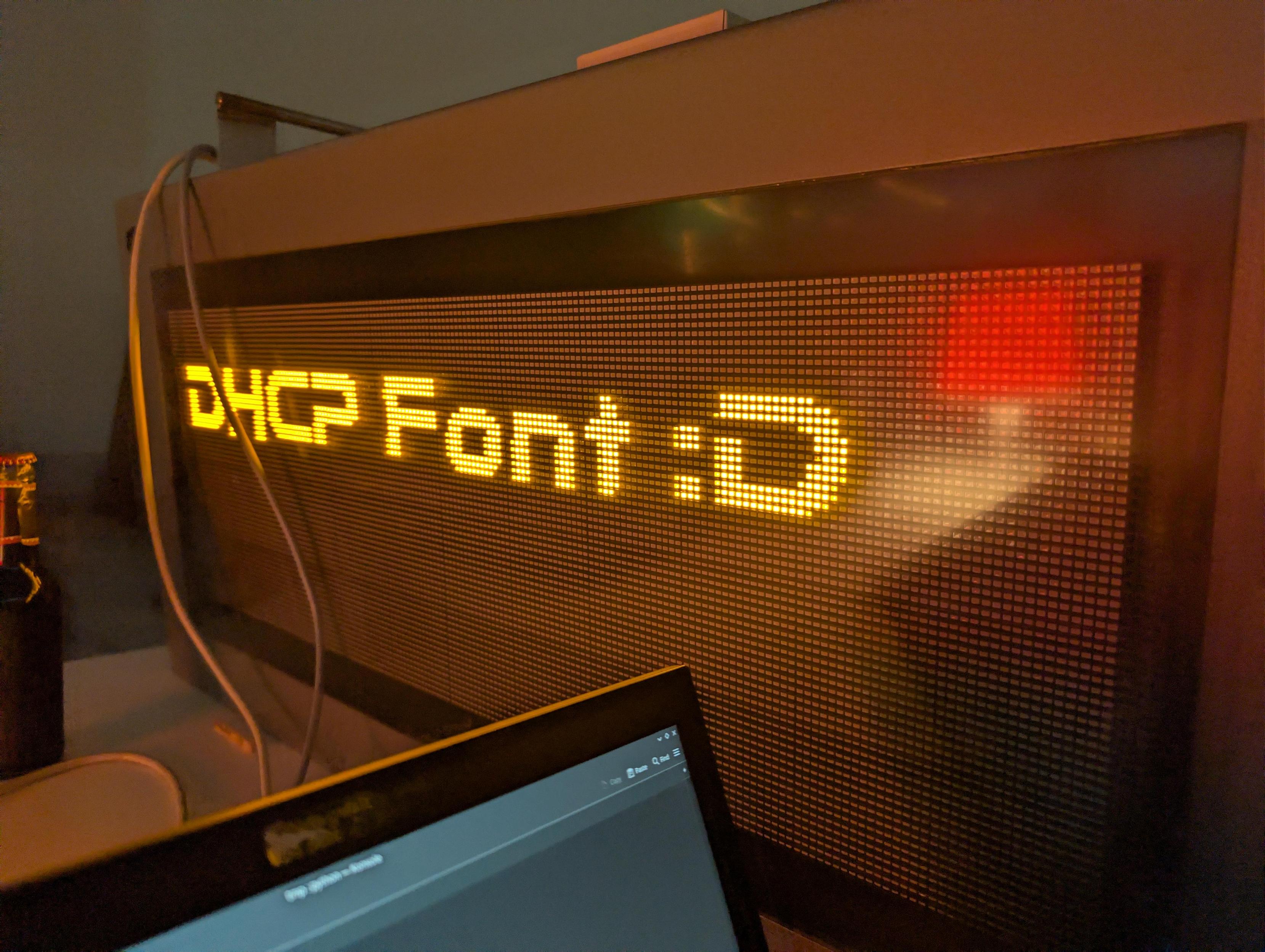 Oct 31, 2026, 3:52 PM
And of course I had to do it with Comic Sans
Nov 1, 2026, 1:28 AM:neocat_think_woozy:
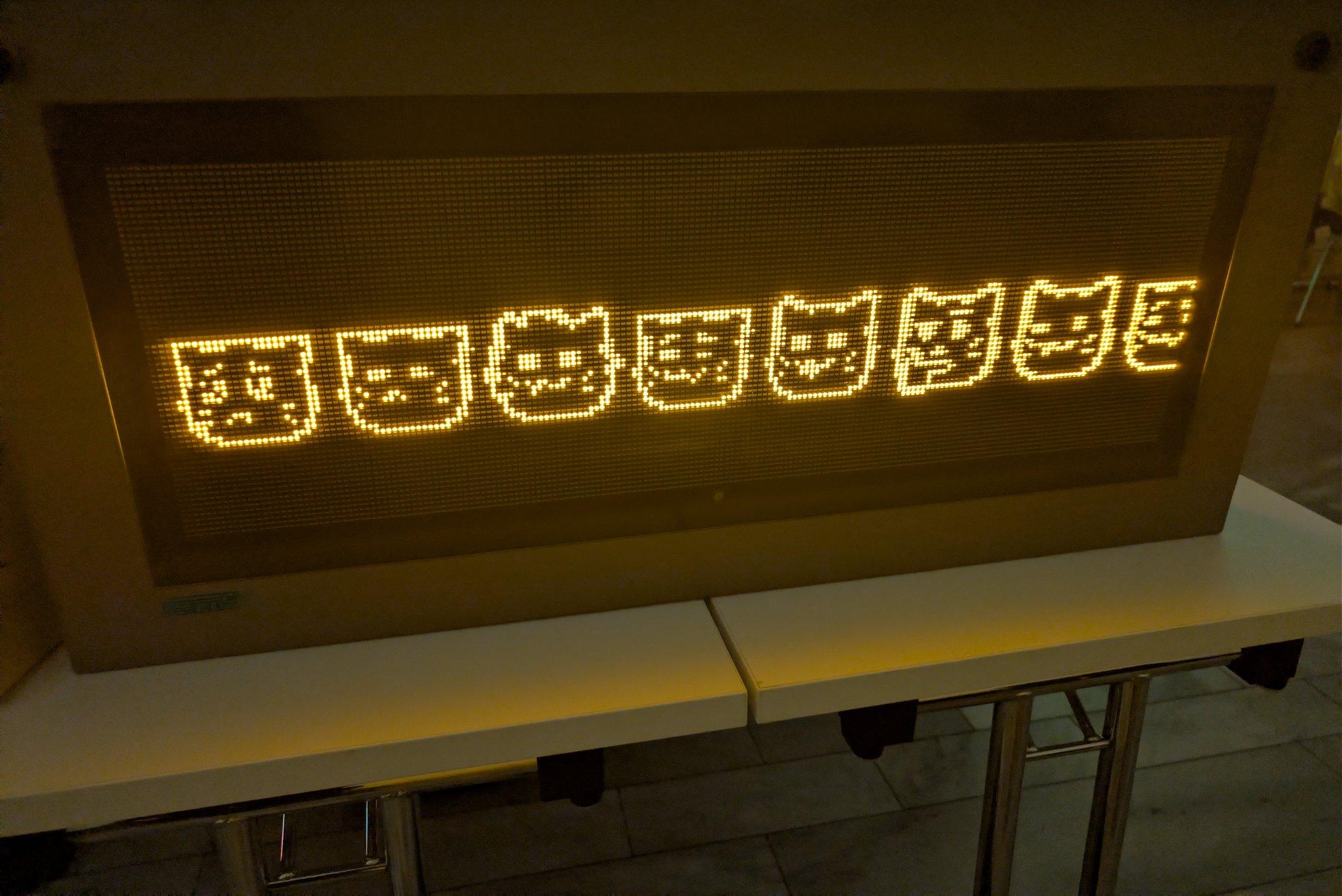 Nov 11, 2026, 9:15 PM
To come back to the more modern display in my hallway... It has started behaving weirdly a few days ago. Like, lagging, random things stuck on the screen, not updating, scroll texts freezing. I was puzzled, then I tried re-flashing the SD card dump I made when I got it, and it worked again.
It turns out. That it just logs everything it displays. To SD card. It was full, 0 bytes remaining. They just put a 4 GB SD card in there... and apparently no log rotation or anything???
Nov 11, 2026, 9:16 PMLike, this would have happened at the station they came from sooner or later too?? I'm so confused. SaF really were kind of sloppy.
Nov 11, 2026, 9:17 PMWhen I got it, it had 15 MB free, which is a lot for some logs. So it lasted until now. Kind of amazing timing
Nov 11, 2026, 9:18 PMAnother thing I did: I managed to enable the TTS engine and hooked up a speaker to the amp that's already on the control board. Now I can trigger it to read what's being displayed.
Well, sort of. You have to set up some things, like tell it which text fields (identified by their coordinates) it should read in which order, with prefixes and suffixes and some more things. It also has an optional periodic pilot tone (a little pop) for vision-impaired people.
Nov 11, 2026, 9:19 PMAnd since its web interface exposes a "free text" form to have it say anything (with several seconds of lag since the web server is painfully slow), I set that up as a notification target in Home Assistant. Now the display can speak out things like "Washing machine finished" or "You got mail" :D
Nov 11, 2026, 9:55 PMoh yeah also i have not found a brightness sensor in that display to this day. i have no idea what these engineers built there

@cato sounds like you need source termination or a part with slower edge rates :D (been there done that)
 Oct 31, 2026, 6:46 PM
@cato Sehr Cool und Cursed! Wie wäre es mit DIN1451?
Oct 31, 2026, 6:47 PM@cato du brauchst nun ein Board mit meherern EEPROMS wo die die Fonts mit DIP switches auswählen kanst ^^
 Oct 31, 2026, 10:39 PM
@cato everyone shut up the scrolling comic sans marquee is talking
Oct 31, 2026, 11:03 PM@oli hahahaha
@cato Font or picture?
Nov 1, 2026, 3:04 AM@Foxotronic font!

@cato das ist sooo cool!

@cato inb4 they use one of the LEDs to read brightness
Nov 12, 2026, 8:10 AM@mart_w oh god
@cato Might it be centrally controlled per station? They probably already have some kind of sensor to turn the platform lights on and off, and maybe they don't want the information displays next to each other at different brightnesses
Nov 12, 2026, 1:31 PM@mart_w Unlikely, I haven't found any brightness control in the protocol docs or while having a look at the decompiled protocol handler
@cato Doesn't have to be in software. The display did change its brightness when you pulled the mystery pin to ground, didn't it?
@cato Nevermind, that was on the bare LED panel, wasn't it
Nov 12, 2026, 1:56 PM@mart_w yep, totally different thing :D