Mo Draíocht Laethúil 🧙♂️😅magorelax@masto.es
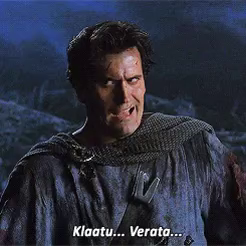
11/15/2026Estamos viendo una película de terror bajo tierra, ya saben, la de los graboids, esos gusanos rarísimos. No tengo ni idea de cuál es, pero ahora hacen excursiones turísticas a las zonas donde vivían estas criaturas. Porque claro, nada dice “plan relajante” como visitar el lugar donde algo enorme podía salir del suelo y comerte.
Alt text via @altbot y @TeLoDescribot
#cine #terror #películas #planesraros #tremors2 #tremors