
Process ParsnipProcessParsnip@mastodon.ie
Oct 27, 2026, 5:48 PM@SRLevine ty, validation received.
So is it weekly planner on just one page, and the back of that page is lined? What goes on the back of the page?
@SRLevine ty, validation received.
So is it weekly planner on just one page, and the back of that page is lined? What goes on the back of the page?
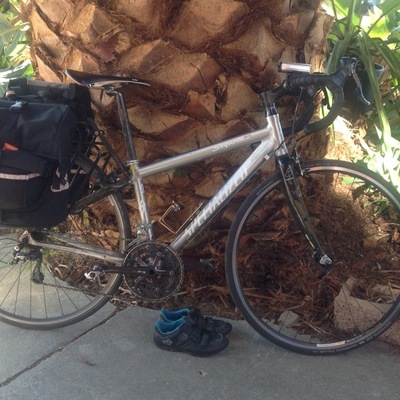
@ProcessParsnip No, it's as a book, so you have a week on the left page and lines on the right, and when you flip to the next week the lines are now the back of the next week, etc. I really like the "being able to keep a running list of stuff that needs to get done but doesn't have a specific day/time it has to happen. Or to just jot down a quick note about something.
This is the general scheme: https://www.moleskine.com/en-us/turn-the-page-keep-the-fun/classic-planner-2027-large-sapphire-blue-8056999279493.html
Hobonichi (sp?) has a similar layout, but they are even more expensive because it's a whole system. Most other companies don't.
(I'm really sorry if I've now expanded your planner search)
@SRLevine haha thanks!! I want a lot more granularity from a planner than that, so that's really interesting.
Glad you and @bright_helpings like it!
I'm looking at more like this:
I want to get something that has sensible sections for me, a monthly view, and maybe also a weekly (I know), and I need it to come dated so terrible things don't transpire.
🦄
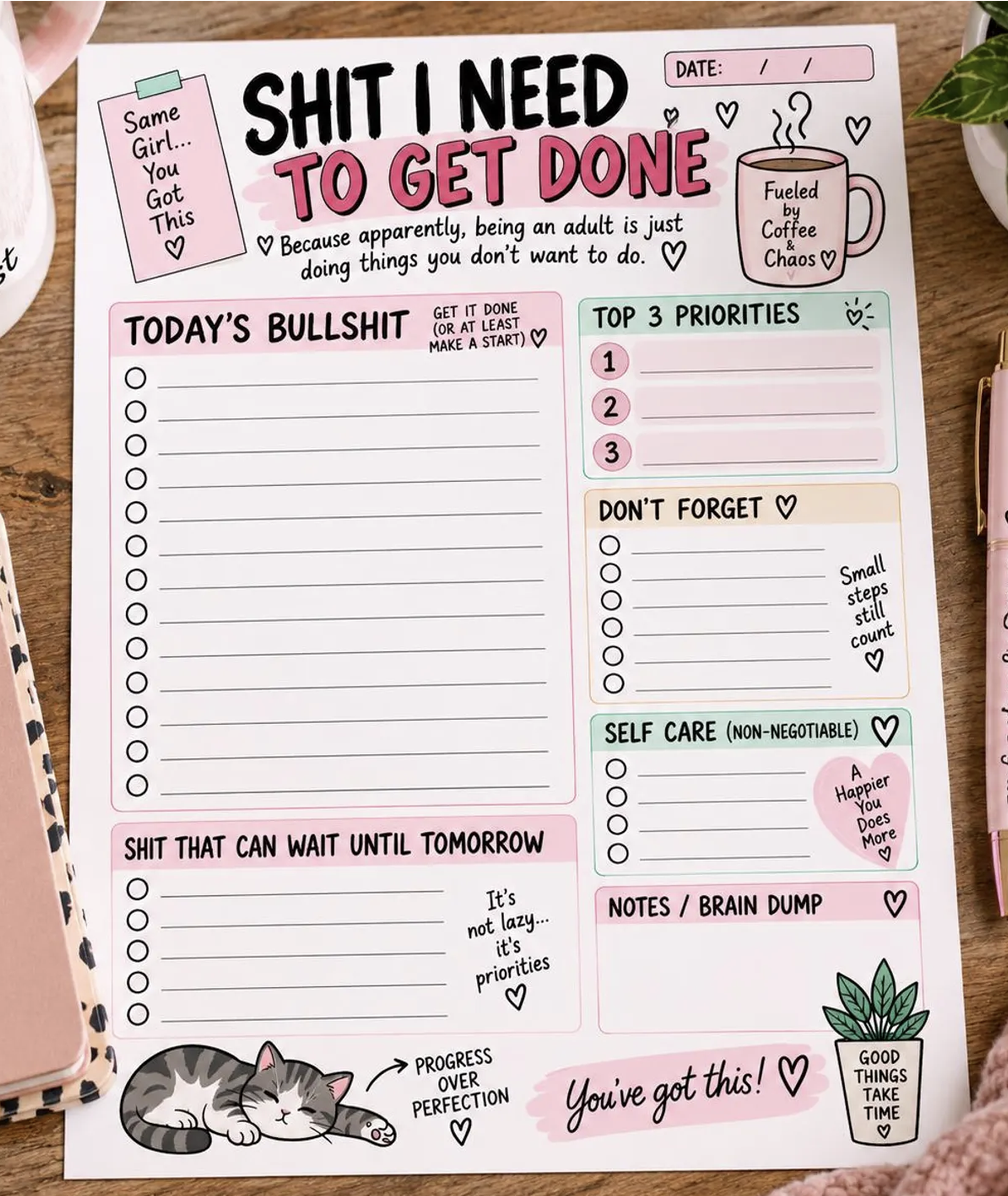
@ProcessParsnip @bright_helpings I want to say it's rare for that style to come pre-dated? But I don't buy that style (the lab nextdoor bought a bunch sort of like that and they came without dates, so maybe I'm making a wild assumption from one data point, but they got them from office depot if that helps at all)
oh yeah, they definitely do not come pre-dated.
And there's other tweaks I want to make, too.

@ProcessParsnip @SRLevine @bright_helpings I feel you about the sections and variety! I have tried a lot of things to get those too, including printing my own. (My default solution to everything is to make a zine lol.) I enjoyed making the initial page layout, but for actual planning i found it too much hassle to keep printing and assembling, plus i didn't like writing on copy paper.
I ended up using coloured pens to make sections and boxes in a basic weekly planner, and that has been working better. I can choose different colour schemes and tweak the sections as needed. More drawing but less printing, and it can be pre-dated
It's so personal tho-- hope you find the perfect thing!
ty!!
What did you use to make the page layout? It looks like if I can make a pdf of what I want (spoiler, I have never done this) then I can have it printed and feel primal satisfaction.
(Y'all. This is obviously a trap. Never do this. Just help me do it.)
I found some template things online that could be minimally adjusted in-browser, and they weren't what I wanted.
Someone on Reddit said they use LibreOffice to do it and I, uh, need to upskill to even attempt that.
@ProcessParsnip I made mine in LibreOffice too. The satisfaction of the perfect planner page is so temptatious!
I printed them one at a time to start with, and tweaked things as I used them. Once I got the layout stabilized I tried printing a month at a time. I only lasted about 2 months!
@beandreams uh, do you have any pointers/resources to recommend on learning to even in LibreOffice?
I couldn't even figure out how to make an aesthetic blank checklist (Like an empty circle with an underline next to it) on my first go.
This is not your problem but I thought I'd ask 😅
@ProcessParsnip First idea: LibreOffice publishes free templates and there is a planner category. Maybe download a few and start right-clicking and messing with things? Once you have some names of dialog boxes and properties it is easier to search for tutorials.
@beandreams bless, ty

@SRLevine @ProcessParsnip i used to use a desk calendar like this, with the weekend days for overall themes and notes, and todos on the weekdays