
Login
You're viewing the c.im public feed.
  • Aug 10, 2026, 10:51 PM

    This is one of the scariest moments in computer-touching for me: the first post-update startup. Why are there so many reboots during the process? Will it verify all the code successfully? Or will it get almost to the end before deciding to crap out and go to the recovery boot screen? (This time it completed fine, but I've had enough experience here to instinctively hold my breath the whole time.)
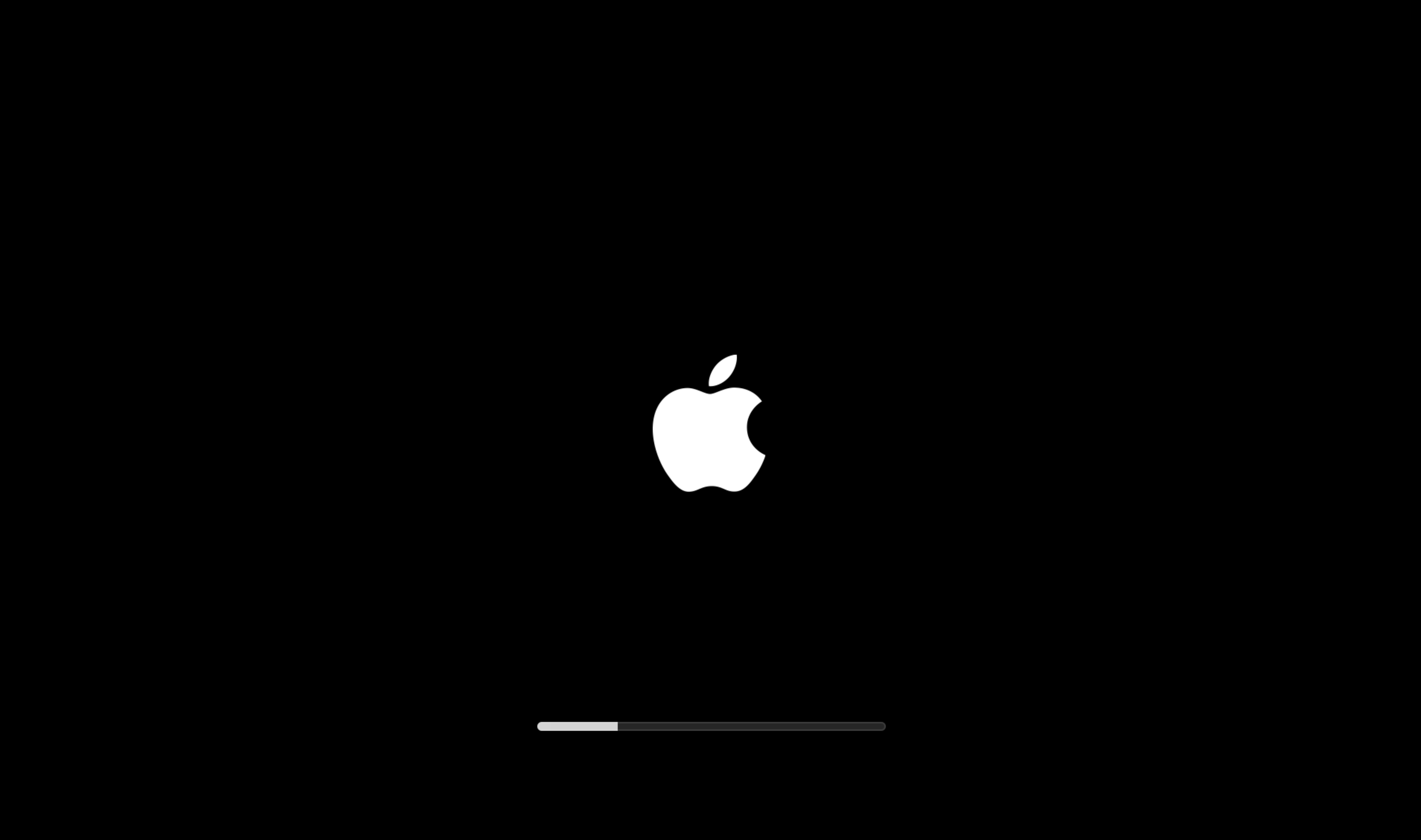
    The macOS startup screen. The entire area of the screen is black except for a white Apple logo at dead center, and a thin progress bar beneath it that updates in fits and spurts between intervals of the screen going entirely black.
    💬 3🔄 1⭐ 0

Replies

  • Aug 11, 2026, 12:09 AM

    @_the_cloud Most of the verification, etc., is performed before the reboot. And so the stuff done in the ramdisk (firmware updaters) is mostly 2-phase commits and rollbacks have to be tolerated. These updates are _really_ close to 5 9's these days, and a failure is usually a boot-back to previous, vs. a fail in recovery.

    💬 1🔄 0⭐ 0
  • Aug 11, 2026, 12:24 AM

    @wklj One of the prior Tahoe updates, I think 26.4, did fail for me near the end of the progress bar and you're correct, it rolled back to the previous version rather than ending up in recovery. That required a full re-download of the update. My PTSD here probably stems more from prerelease versions.

    💬 0🔄 0⭐ 0
  • 💬 0🔄 0⭐ 0
  • Aug 11, 2026, 7:15 AM

    @_the_cloud I don’t remember the last time I had a problem on my personal Macs. But… my employer’s Mac crapped up recently during an update and I had to revive it using another Mac. I’m betting it’s all the remote management crap they install. A lot of co-workers had the same problem, if regular Macs bombed at that frequency during update Apple would be under fire.

    Now, I restart the Mac before the update, don’t open any app, and install the update from that clean state. It has worked so far.

    💬 1🔄 0⭐ 0
  • 💬 0🔄 0⭐ 0