Login
You're viewing the techdon.dev public feed.
  • Aug 19, 2026, 12:37 AM

    #Tuba 0.11.0 is now available, with many new features and bug fixes!

    ✨️ Highlights:
    - Tuba moved to Codeberg!
    - Full Mastodon quotes support
    - Collections
    - Hashtag Lists
    - UnifiedPush
    - Android builds
    - Better custom emoji picker
    - Improved media viewer
    - More compact narrow layout
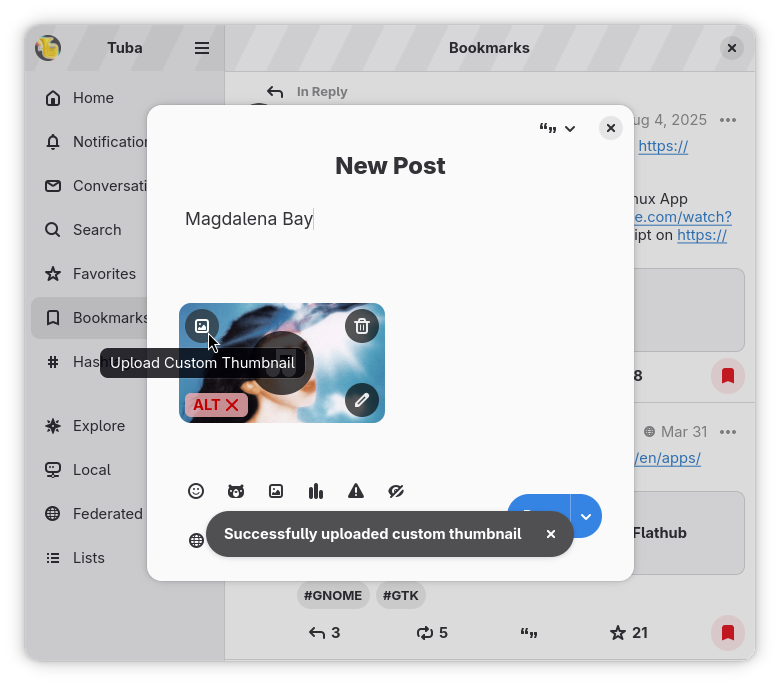
    - Custom thumbnail support for media
    - Font-size slider
    🧵

    As usual, the release notes go into more detail, but this time they are even more informative, check them out: codeberg.org/GeopJr/Tuba/relea

    #GNOME #GTK #Vala

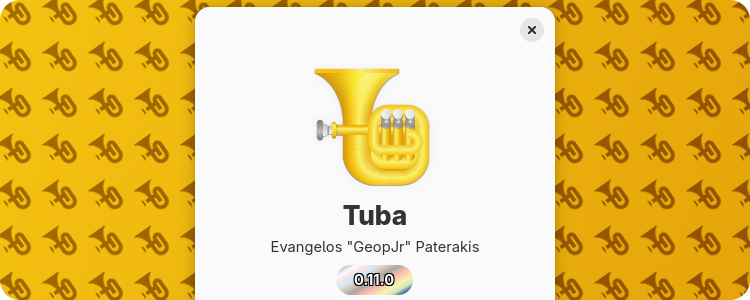
    Banner announcing the 0.11.0 release of Tuba. The background is a diagonal gradient going from bright gold to dark gold color. On top of it it has a tiled layer of Tuba's symbolic icon in a semi-transparent color, slightly rotated to the left. In the foreground center, there's Tuba's about dialog, showing the latest release version on the version pill
    💬 1🔄 63⭐ 66

Replies

  • Aug 19, 2026, 12:40 AM

    - Warning before boosting toots without alt text
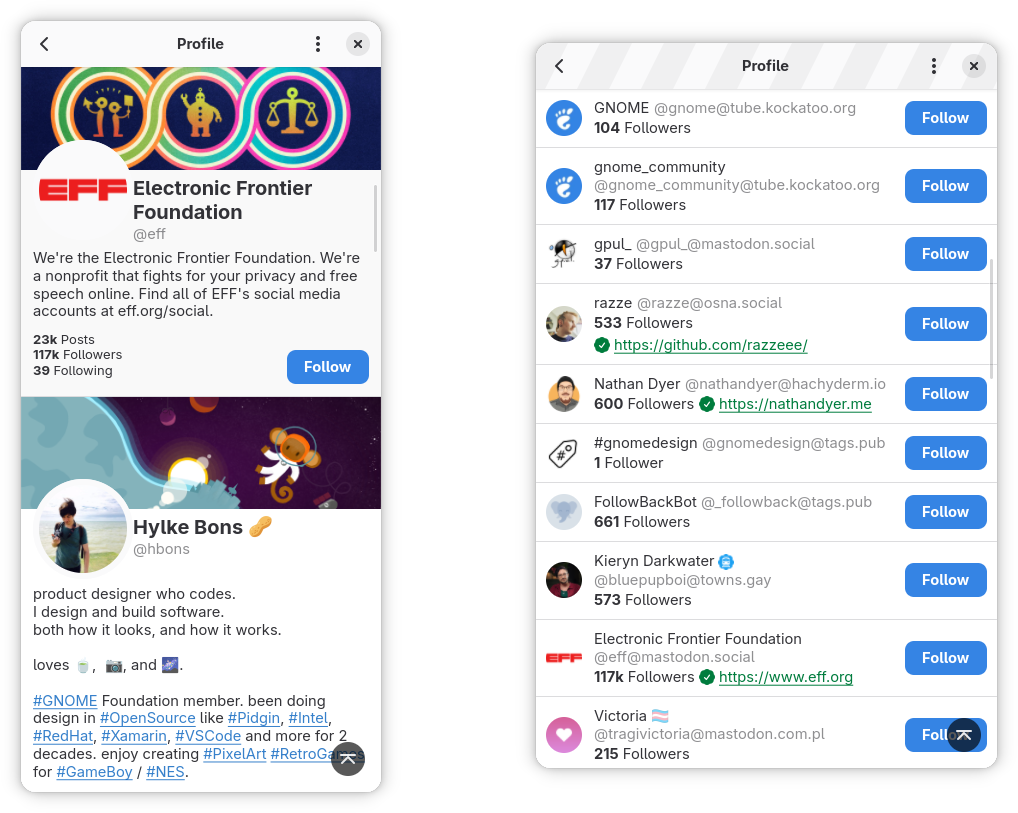
    - The huge profile rows were replaced with smaller ones, similar to Mastodon's
    - Content warnings are preserved in notifications now
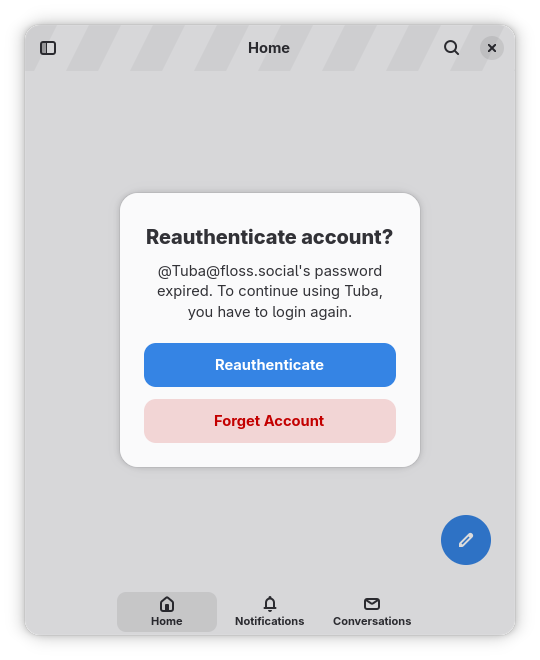
    - Tuba will now detect revoked tokens and ask you to either re-login or remove the account
    - Regularly update stats in threads and check for new replies
    - Support for Mastodon's new profile tabs settings
    - You can now have both media and polls on supported backends
    - Greatly improved focus handling

    Screenrecording of Tuba in the Bookmarks view. There are two posts, one by @Tuba and one by @GeopJr. The user first clicks the 'quote' button under the second post, causing the composer to show up with the second post inlined. The user types 'COOL!!' and changes the 'quote approval policy' from a headerbar 'quotation' icon dropdown button to 'followers only' (icon changes to a 'quotation' with a lock) and finally 'nobody' (icon changes to a 'quotation' striked out, before closing it). The user next attempts to reply to the first post, causing a 'This post is 12 months old, you can still reply but it may no longer be relevant' dialog to show up before the composer dialog. The user then types 'did you see this?' and pastes a link to a post, causing a dialog to show up, asking them if they'd like to quote said post. That post is being inlined inside the dialog and the user selects 'Quote'. That causes that post to be inlined at the bottom of the composer and the composer to scroll to it. Finally, the user clicks a trash button at the top right of the inlined quote, removing it.
    Screenrecording of Tuba in the Collections view and its Featuring You tab. It shows 4 collections, each one displaying 4 members' avatars, the collection name, the amount of accounts and the account that made it. Each collection also has a menu button. The user clicks the first collection's menu button, showing its options: 'Copy URL, Remove Myself, Report, Block Author'. The user then clicks the first collection, causing a dialog to open. The dialog has the collection title at the top (Great FLOSS Projects!), the featured hashtag (#FLOSS), the description (Evolving sample of great FLOSS projects and communities I endorse (and who have allowed being listed).), the 12 members as account rows (shows their avatar, handle and a follow button) and the author of the collections (Michael Downey). The user next clicks the Copy URL headerbar button, causing a toast confirming the action to show up and closes the dialog. Afterwards the user clicks the 'plus' icon headerbar icon of the view which opens the Collection Creation dialog. There they enter 'GTK Friends' as the name, type 'gtk' in the topic (causing a list of tags and their stats to show below it, allowing them to select the right one) and make it 'unlisted'. On the members tab, they search for 'gnome' causing a list of accounts to show up that have a checkbox next to them and selects it. They do the same for elementary and gtk and finally click the x button, causing a dialog to show up asking them to save or discard it.
    Screenrecoring of Tuba in the Hashtags view. The user clicks the headerbar plus button, causing the hashtag list creator dialog to show up. It has a name entry and 3 groups that have a plus button icon on the right (Any, All and None groups). The user enters 'Linux News' for the titles and then in the any tab, they click the plus button, causing a search entry popover to show up. Inside there, they search for gnome causing a list of hashtags and their stats to show up, of which they select '#GNOME' and see it get added in the 'Any' group. They do the same for 'kde' and 'elementary'. In the 'None' group, they add 'windows' and 'macos'. Finally they click the close button, causing a dialog asking them to save or discard to show up. They save and the new list shows up in the Hashtags view as '#Linux News' with the description 'Any: GNOME, KDE, elementaryOS | None: Windows macOS'. It has a pencil button and a red trash button next to it. The user finally, clicks it, causing the Hashtag list and the posts that match that filter to show up.
    Screenrecoding of Tuba viewing a post. The user presses ctrl + and ctrl - a bunch of times, causing the font size of the post to increase and decrease. Then they open the preferences menu and show a slider that adjusts the font size having being set to 0.8. They increase it to 1.0, and the text in the background increases in size, before closing it.
    💬 1🔄 2⭐ 13
  • Aug 19, 2026, 12:41 AM

    - Composer can now load drafts
    - Support for converting between Drafts and Scheduled Posts, among many other improvements
    - Ability to load media from remote instances
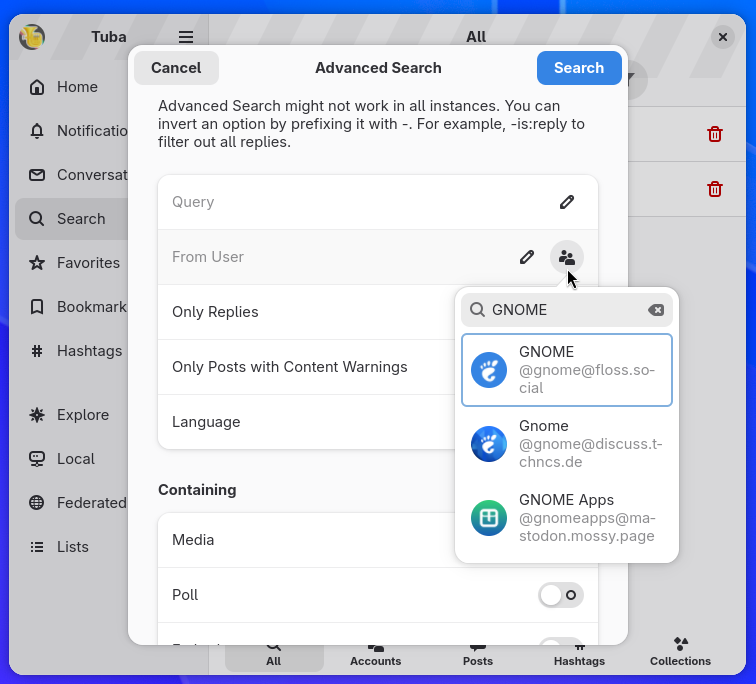
    - Proper account search in the advanced search dialog
    - Revocation of account tokens on removal
    - Use of the new Mastodon character limit fetching APIs
    - Adding hashtags to the sidebar doesn't require following them anymore
    - Much much much more

    This is just a portion, read the changelog for the rest!

    Screenrecoding of Tuba's composer. The custom emoji picker popover is visible, which has a search entry at the top (with the placeholder 'boiled_skibidi_pizza...') and all the instance's emoji categories, displaying the first emoji on the left and the title on the right. The categories are 'Recently Used', 'FLOSS', 'Pride', 'Social Media', 'Other'. The users searches for 'gnome' causing the gnome emoji to show up, then erases it, causing the list of categories to show up again. Afterwards, they select the 'FLOSS' category, they scroll a bit, showing all the emojis in this categories (at the bottom there's a back button and the category name).
    Screenrecording of Tuba's Profile view of the gnome account. The user selects 'Private Note' from the headerbar menu, causing a dialog to show up. It has an entry with the placeholder 'Type your note...' and a cancel and save headerbar buttons. The user types 'home' and clicks save, causing the dialog to close and a yellow-ish row to appear below the handle of the profile. The row has for title 'Note (visible only to you)' and description 'home'. They user clicks it, causing the previous dialog to show up with the entry prefilled as 'home'. Finally, the user capitalizes it, clicks save, which closes the dialog and the row has been updated with the new capitalized version.
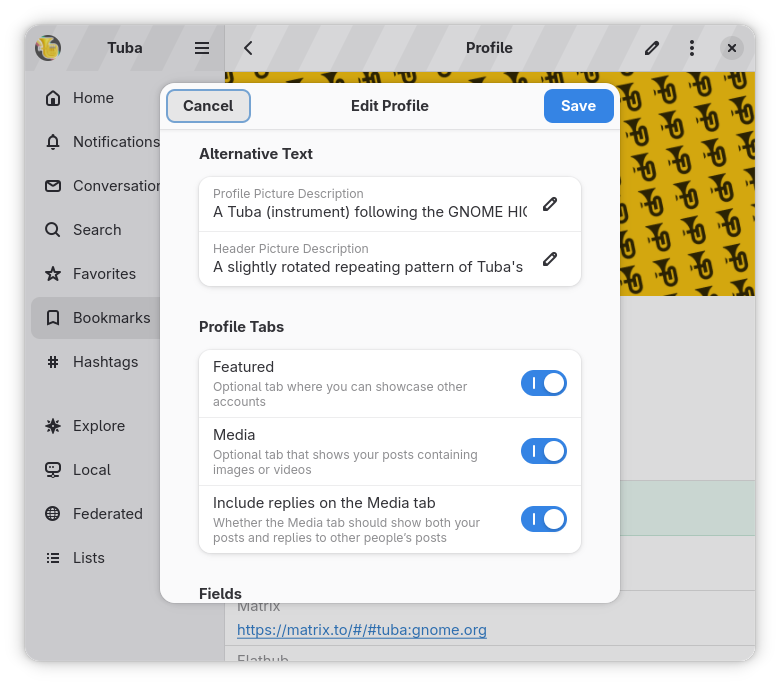
    Screenshot of tuba's profile editor dialog. Under the "Profile Tabs" group, there's 3 row switches with the following titles and descriptions, all active: "Featured, Optional tab where you can showcase other accounts", "Media, Optional tab that shows your posts containing images or videos", "Include replies on the Media tab, Whether the Media tab should show both your posts and replies to other people's posts.
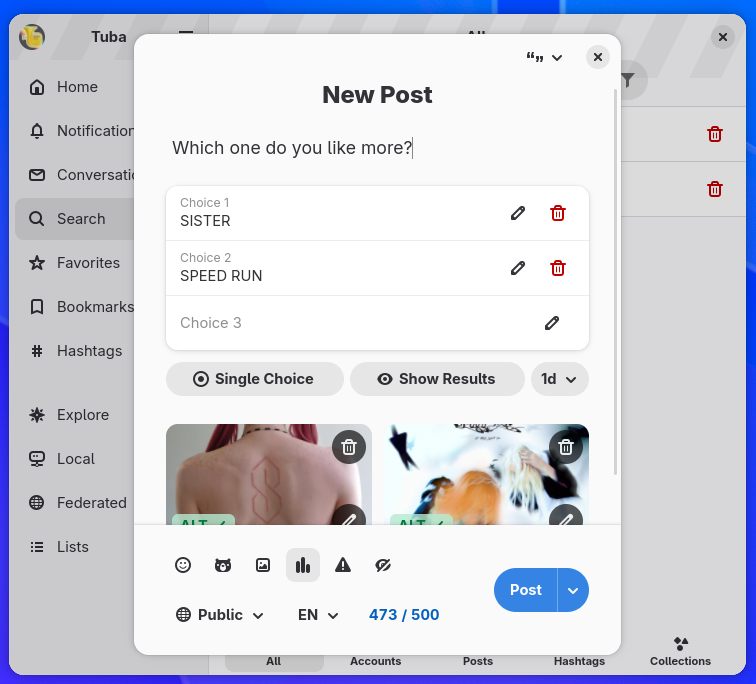
    Screenshot of Tuba's composer. The content is "Which one do you like more?". The poll is filled as "Choice 1: SISTER", "Choice #2: SPEED RUN". There are two attachments with alt texts, "SISTER" album cover and "SPEED RUN" album cover.
    💬 1🔄 1⭐ 5
  • Aug 19, 2026, 12:42 AM

    On Codeberg, this move was planned for a while and I took the chance to also adopt a formal policy on AI, the one used by Loupe, libadwaita, GNOME Calendar and other parts of GNOME. TLDR: Prohibited. The changelog has a bit more info.

    Translations also moved to Codeberg's weblate instance!

    Banner. The background is a diagonal gradient going from blue to slightly yellow. In the foreground, there's a big Codeberg logo on the left and a big noto emojis Sparkles emoji on the right
    💬 1🔄 1⭐ 13
  • 💬 1🔄 4⭐ 10
  • Aug 19, 2026, 12:44 AM

    Huge thank you to the translators! Tuba has 985 strings which requires a significant amount of work to translate; translate.codeberg.org/engage/

    The 0.11.0 release took longer than usual to make, some features required huge codebase rewrites and I also took a break from Tuba for a while. This year has been very, *very* rough. If you've enjoyed any of my projects or contributions, and have cash to spare, consider donating geopjr.dev/donate

    A laptop in the GNOME style, with a blue screen and `sad-computer-symbolic` inside at the center. The laptop is a slightly modified version of the one from gtk.org
    💬 1🔄 2⭐ 10
  • 💬 1🔄 1⭐ 11
  • Aug 19, 2026, 12:46 AM

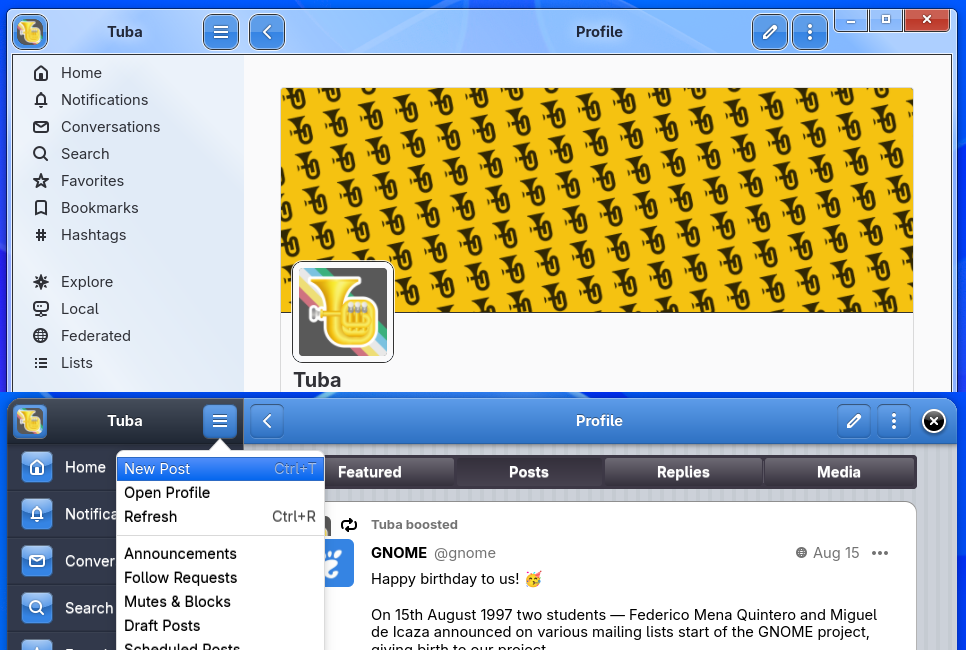
    🤫 Hey you! You made it this far, thank you for reading this! As a token of my appreciation, I'll tell you that there are two Easter eggs, try to find them!

    2 half-screenshots of Tuba stitched vertically. The top one is in the style of Windows 7 aero and the bottom one in the style of iOS 6.
    💬 0🔄 0⭐ 12