Login
You're viewing the techdon.dev public feed.
  • Aug 4, 2025, 2:06 AM

    New Composer

    The new composer is the result of a multi-year effort. A blog post explaining why and what made it such a difficult task is in the works!

    - Displays the replying-to or quoting post
    - DnD from the host and between attachments
    - Paste media from clipboard became a lot easier
    - Video thumbnailer
    - Animations
    - Combined focus picker and alt text editor
    - Automatically extracts alt text from file metadata when uploading
    - Uploading progress bar
    - And so much more
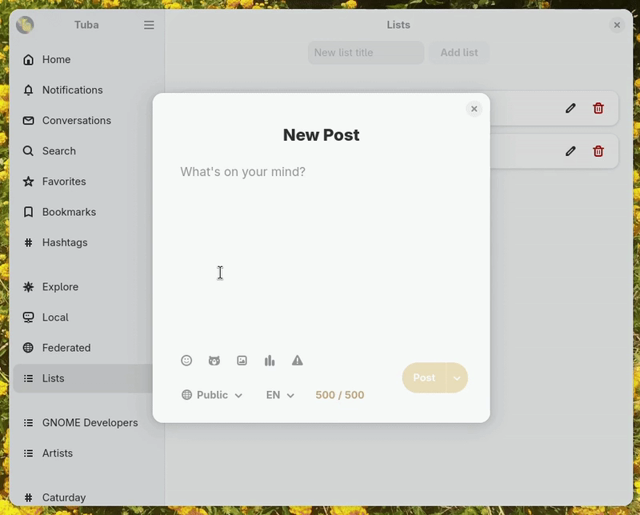
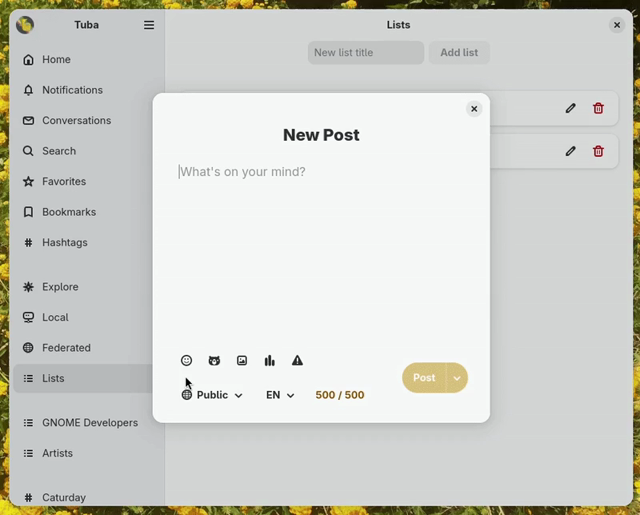
    Screen recording of Tuba. The user has the composer open which is empty. They first press ctrl V, causing a pop up to show up asking them if they are sure they want to past. They select Paste and an attachment gets added to the composer. While it's getting uploaded we see the upload progress. After it's doen we see its thumbnail. The user then drags and drops another attachment from their desktop. Then they drag and drop the second attachment on the first, causing them to switch places. They do it again and then click the floating trash icon for each attachment, deleting them both.
    Screen recording of Tuba. The user has the composer open and types 'Vote'. Then presses the poll button, causing 2 text entries to show up and 3 buttons below them. The rows have the title "Choice [number]" and a trash can on the right. The user starts filling them, causing a new row to show up as they get at the bottom of the rows. Then they click the first button changing the choice from single to multiple. Then the second button changing the results from show to hide and lastly the dropdown choosing 6 hours to expire. In the end, they select the content warning button causing an entry to pop up from below on which they enter "Poll".
    Screen recording of Tuba. The user is on a post and they click reply causing the composer to show up. The title is "Reply to @Tuba" and below it there's the post they are replying to. The user then types "!!!!" and selects 'Schedule Post...'. That causes the new composer to switch to the Schedule Post page on which they choose a random date.
    💬 1🔄 6⭐ 12

Replies

  • Aug 4, 2025, 2:07 AM

    In-app browser and Clapper

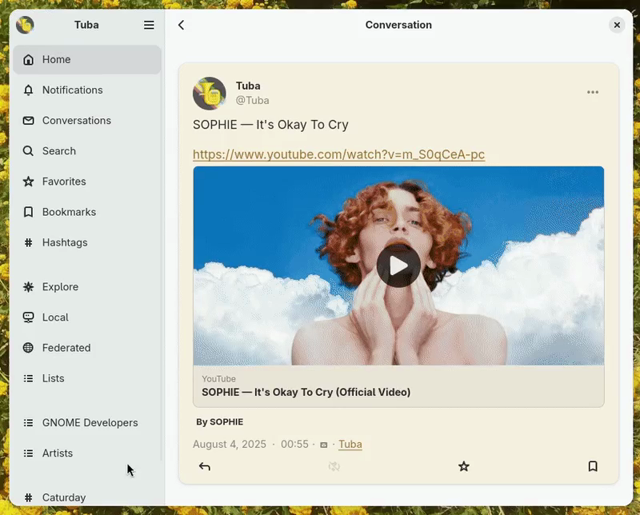
    Rafostar has been working hard on Clapper and clapper-enhancers which allows Tuba to play media from Youtube, Twitch, PeerTube and other platforms in-app! On Flatpak, it's available as a separate optional Add-on.

    The in-app web browser allows you to open links without leaving the app. It can be turned off in settings or be bypassed by middle clicking the link.

    💬 1🔄 1⭐ 3