 Nov 9, 2026, 2:23 AM
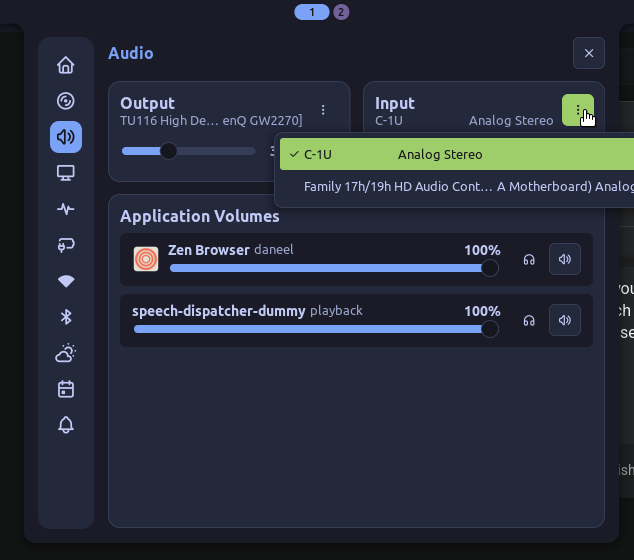
Specifically, where does the list of microphones come from? I would be very happy to disable all the options that never work.
Nov 9, 2026, 2:23 AMSpecifically, where does the list of microphones come from? I would be very happy to disable all the options that never work.
 Nov 9, 2026, 3:59 AM
@aarbrk Are you still on PulseAudio? Try installing pavucontrol to see all your input and output devices; you can set the system default and the default for each app. I'd suggest setting in Firefox the default devices, and then using pavucontrol select the specific output and input (mic) you want.
If you're already on PipeWire then install pwvucontrol .
If you are using some shell, most have their own utility to manage this
 Nov 9, 2026, 6:20 AM
@maop Thanks, this helped! I was able to disable some spurious entries. Now I just have to remember to select Blue Microphone Stereo instead of Monitor of Blue Microphone Stereo. pavucontrol somehow doesn't list the Monitor. But this is a real improvement 👍