Daniel Luzdluz@hachyderm.io
7/1/2026@bjango Hi, I just got an M5 Pro, and I see a minor issue with the CPU cores menu bar item:
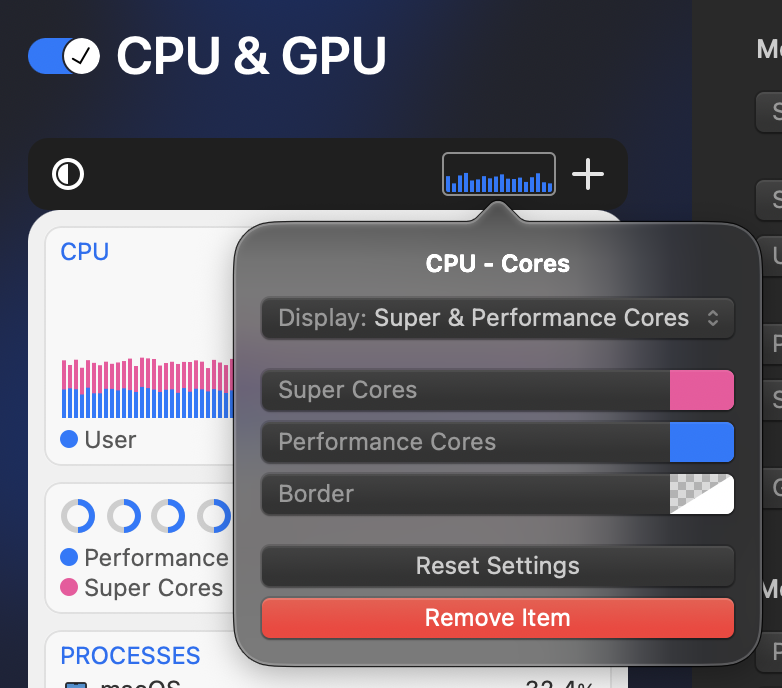
- When configured to “Display: Super & Performance Cores”, it correctly shows 18 cores, but they are all painted as if they were P-cores;
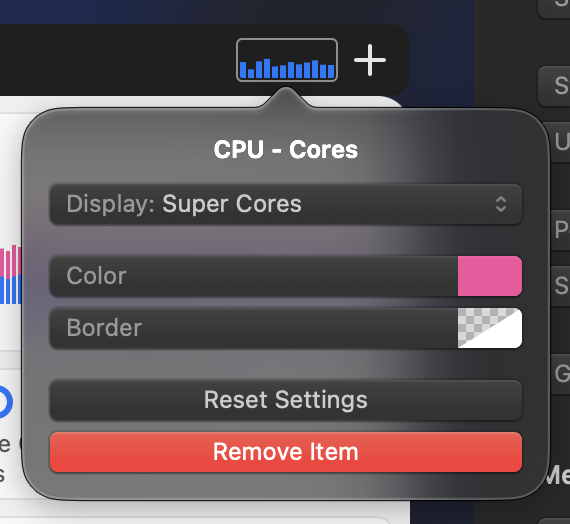
- When configured to “Display: Super Cores”, it shows 12 cores (should be 6) in the wrong color; presumably it’s actually showing P-cores;
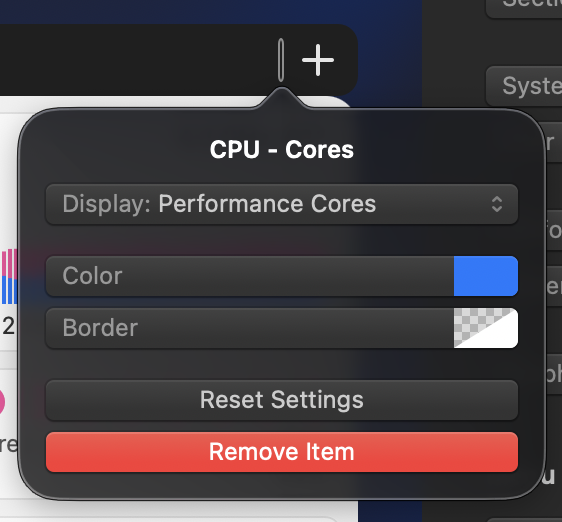
- When configured to “Display: Performance Cores”, it’s completely empty.
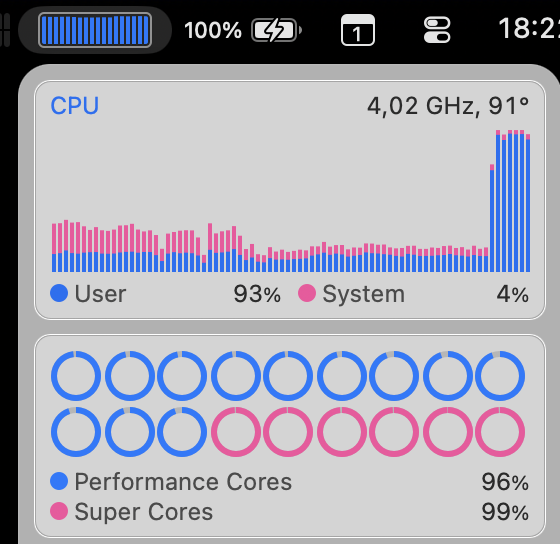
This appears to be specific to this item. CPU History seems correct, and as the first screenshot shows, the popup menu also counts cores correctly.