@dlx hey you probably already know this, but it looks like you’re using some kind of HDR image as a profile picture, and it uh, *really* stands out:
(Picture doesn’t even do it justice, the teeth are really twice as bright as the background lol)
@dlx hey you probably already know this, but it looks like you’re using some kind of HDR image as a profile picture, and it uh, *really* stands out:
(Picture doesn’t even do it justice, the teeth are really twice as bright as the background lol)
Want to add to this that click-through (while holding CMD ⌘) seems to work as intended on the WebKit content, and for tabs (it 'selects' them).
Still, I'd like to be able to instantly open an inactive tab when another window is active, saving me a click. @jensimmons sorry to bother you, do you know where best I could send this feedback to?
Apple Maps is now on the web.
https://beta.maps.apple.com/
For more info:
https://www.apple.com/newsroom/2024/07/apple-maps-on-the-web-launches-in-beta/
Happy Friday everyone!
Why are Enums in #Typescript so broken? You can't even compare them with `==`. What use are they if you have to jump through hoops to compare them, why wouldn't I just use a string?
It's *all over* the text, too. Like at the start of some sentences, sometimes double, sometimes at the end, sometimes after a colon. What *is* this stuff?
If you want to know which web technologies are part of Interop 2024, this is *the* place to get in-depth explanations.
Learn what the technology in each focus area does, and what benefit Interop 2024 will bring.
https://webkit.org/blog/14955/the-web-just-gets-better-with-interop/#the-2024-focus-areas
Interop 2024 is here!!
https://webkit.org/blog/14955/the-web-just-gets-better-with-interop/
Since 2023 just ended, let’s look at the end-of-year results for Interop 2023.
Together, the browsers that are available to everyday people now pass 83% of the tests included in Interop 2023. Separately the pass rates are: Chrome 97%, Firefox 86%, Safari 96%.
The overall score is still going to significantly improve, looking at the preview browsers: https://wpt.fyi/interop-2023
By the time *all* the work ships, the three browser engines will pass 95%+ of the tests.
It’s here! #calstats 2.0 is in the App Store: https://apps.apple.com/nl/app/calstats/id1586348221
Took a bit longer before I went public because I fumbled on the subscriptions: apparently I kept using the wrong subscription group when I didn’t even have to use that at all. Just the product IDs sufficed.
There’s a Mac version as well, and I’ve heard people say that it’s the *definitive* version of CalStats!
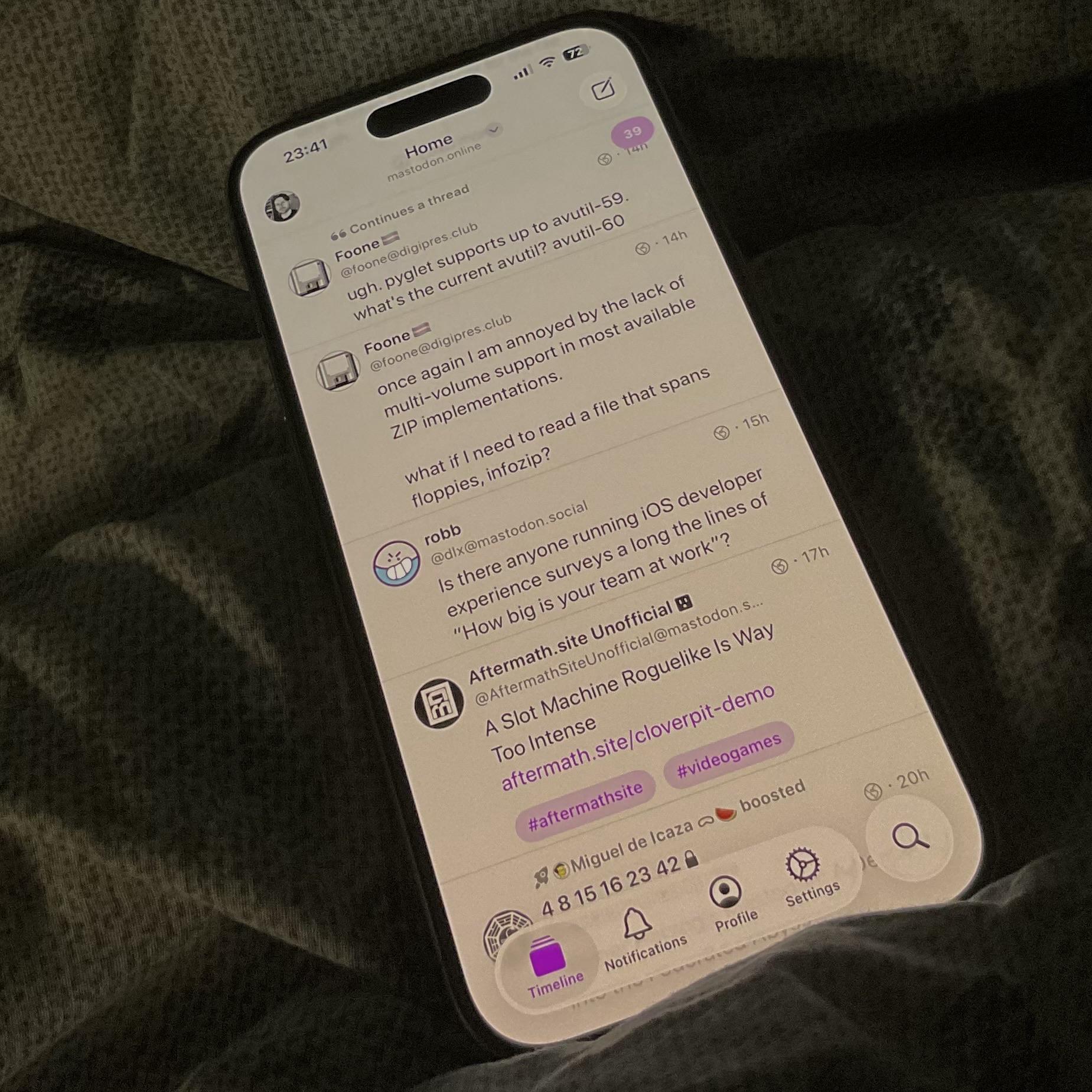
Something funny about creating Mastodon links in #swiftui: even if you create a Link view, it will still try to parse the inner text for valid email. So a username like `@megamatt` will have the first symbol use the outer set URL, while the rest of the part will send you to an email client.
Maybe that's because of Markdown?
Okay, I managed to trick the device into accepting my password with spaces through some front-end trickery (thanks @webkit, for the real nice local overrides!), and amazingly the router/server doesn't check it, so it accepts it. I only had to remove the checks for spaces that return errors in the code.
Except this crashes the router when you try to access the wifi now. Ouch. My next attempt will be to run my pi as a 2.4g access point to support the old devices.
It's 2023, and network can still be stupid. I have a new #zyxel (T56, or EX5600) modem (because my old ISP is stopping service, so had to switch), and for some inane reason it doesn't support spaces in the #wifi password.
I have a bunch of devices that are hooked into the 2.4ghz wifi (Roomba, some lights, etc), and are a *pain* to have to re-connect. Is there anything I can do to trick the router into accepting spaces in a password?
@searls I just read your post on the Apple Studio Display + Windows PC, and wanted to pick your brain a little bit. I have a 'working' setup (very similar to yours: Gigabyte 370M, with the Titan Ridge 2 card), but my last remaining issue is that I only get USB/audio etc support when I plug in the display *after* Windows has booted. I fiddled with all the BIOS settings I could find, yet couldn't get it to work pre-boot. Linux doesn't work *at all*. What MB are you running with it?
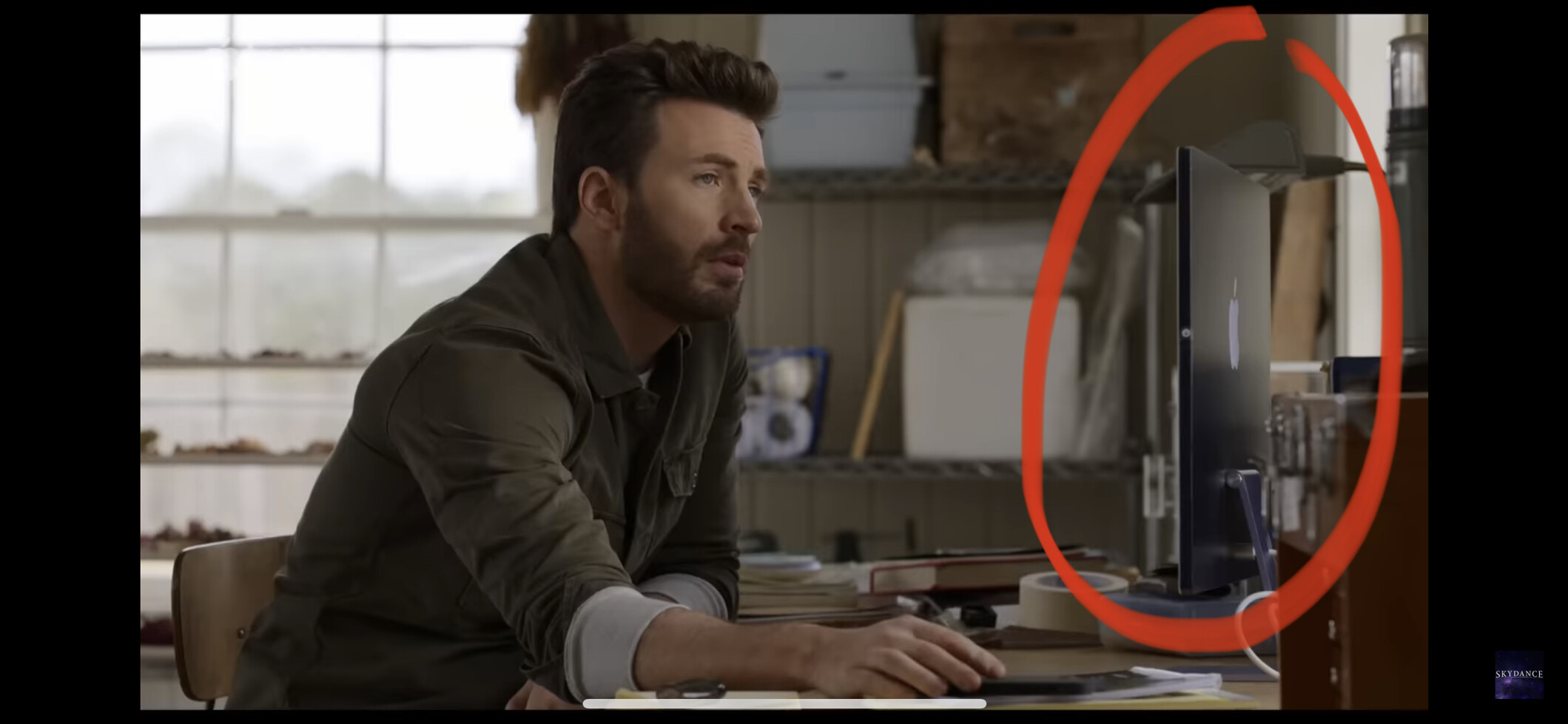
@atpfm @marcoarment @siracusa maybe I’m reading too much into this, but could this be a preview of Apple’s newest monitor? From the trailer of ‘Ghosted’ on TV+.
An oldie, but a goodie!
If you want to know which element on the page is focused, at all times, use a live expression in the Console tool, and type `document.activeElement`.
More info ➡️ https://devtoolstips.org/tips/en/track-focused-element/
A while ago I made a iOS/macOS app called CalStats, you can get it for free on the App Store: https://apps.apple.com/nl/app/calstats/id1586348221